
SMART LIVING
Smart Home Ideas for Beginners: Where to Actually Start
- September 11, 2026
- 8 min read
- By EverMuse
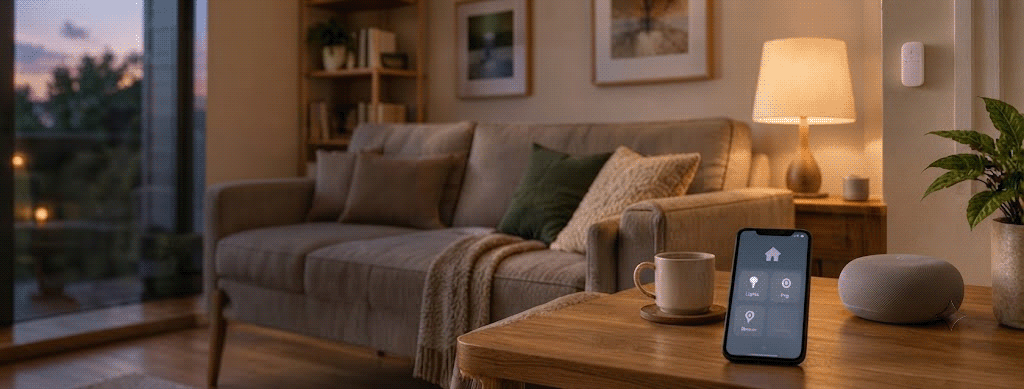
Most smart-home advice starts with a device. Buy this bulb, add that speaker, automate everything you can. It’s backwards. The people who end up happy with their setup usually started with an annoyance, not a shopping list.
If you keep forgetting to switch off a lamp, a smart plug solves that specific problem. If you dislike walking into a dark room, a motion sensor or a schedule fixes it. If you do the same five things every night before bed, one automation can fold them into a single action. None of this requires your house to look futuristic. It just needs to make the small, repeated stuff a little less annoying.
What “smart home” actually means
Strip away the marketing and a smart home is just a house where some devices can be monitored, controlled, or automated through a network and an app or platform. That could be dimming a light from your phone, scheduling a plug, asking a voice assistant to set a timer, or getting an alert when a door opens.
The distinction worth understanding is between remote control and automation. Controlling a lamp from your phone is convenient. A lamp that turns on by itself at a set time, or when something specific happens, is more useful, because you’ve stopped having to remember it. You don’t need both to get value out of a smart device — even one small automated task can be worth the setup.
Find the annoyance before you find the device
Before buying anything, think through an ordinary day at home. What do you forget to do? What do you wish just happened automatically? Which lights or appliances are a hassle to control? Where would a notification actually help, rather than just adding noise?
Your answers should decide the purchase, not the other way around. A lamp you always leave on points toward a smart plug with scheduling. Wanting the hallway lit when you walk in points toward a smart bulb paired with a presence sensor or a schedule. A repetitive bedtime routine points toward a single “good night” automation that handles a few devices at once.
This same test also tells you what to skip. If you can’t describe the specific annoyance a device would fix, it’s probably not your next purchase.
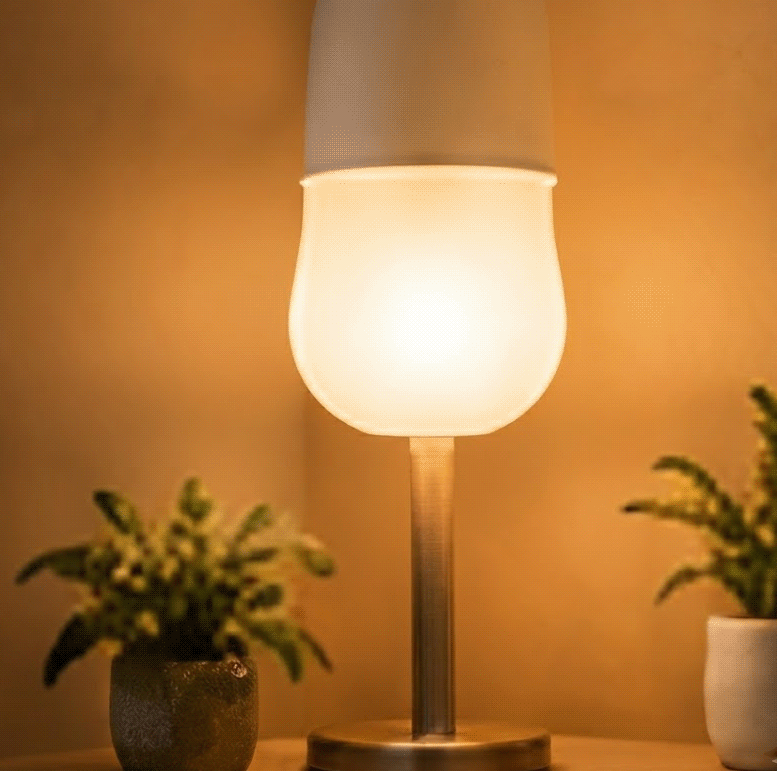
Lighting is the easiest place to start
It’s the most approachable category because the payoff is obvious. A smart bulb gives you remote control, scheduling, dimming, and sometimes color — a smart switch gives similar control to your existing fixtures without needing every bulb replaced.
Go with a bulb if you want to try smart lighting without touching the wall switch. Go with a switch if you’d rather the physical switch stay the main way the light gets used, and your wiring supports it. And if you already flip the same lights on and off at roughly the same times each day, a basic schedule alone might be all you need — no bulb replacement required.
You don’t need to automate every light in the house to know if this is worth it. One room is enough of a test.
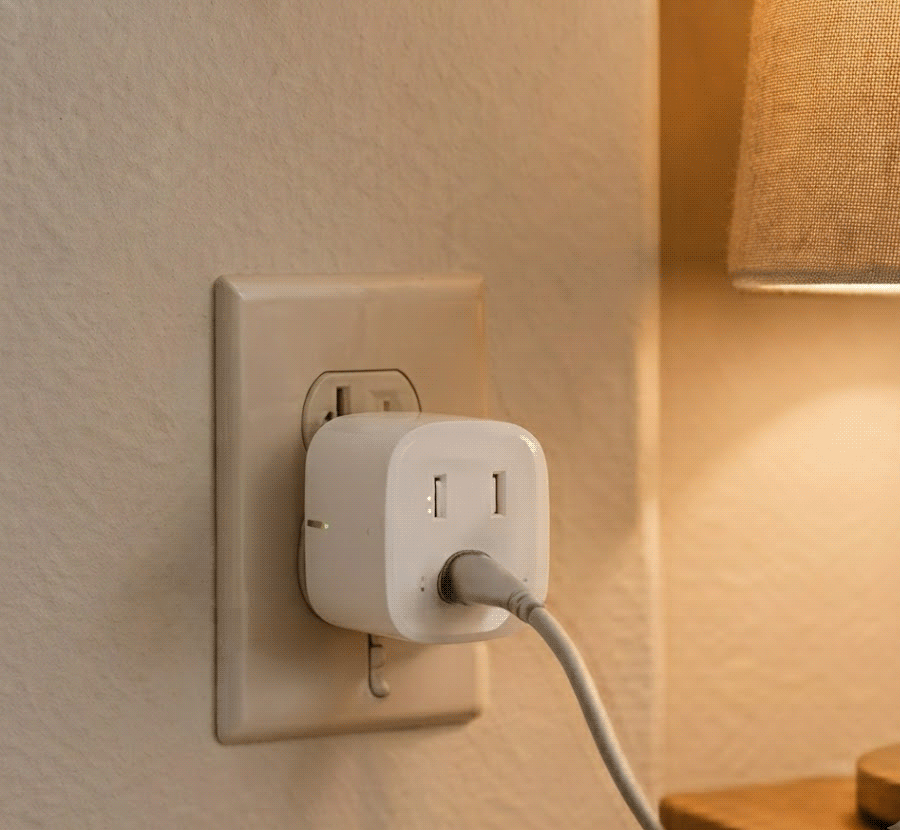
Smart plugs make an existing device smarter, within reason
A plug is one of the lowest-effort experiments available, since it adds control without replacing whatever’s plugged into it — a lamp you want to schedule, a device you’d rather switch remotely.
It’s not a universal fix, though. A smart plug doesn’t make every appliance safe to automate. Before using one, check the appliance’s own instructions, especially for anything involving heat, motors, or higher power draw. Fitting into the plug isn’t the same as being designed for unattended, remote operation.
The best first smart plug is usually the one attached to whatever you already wish were easier to control.
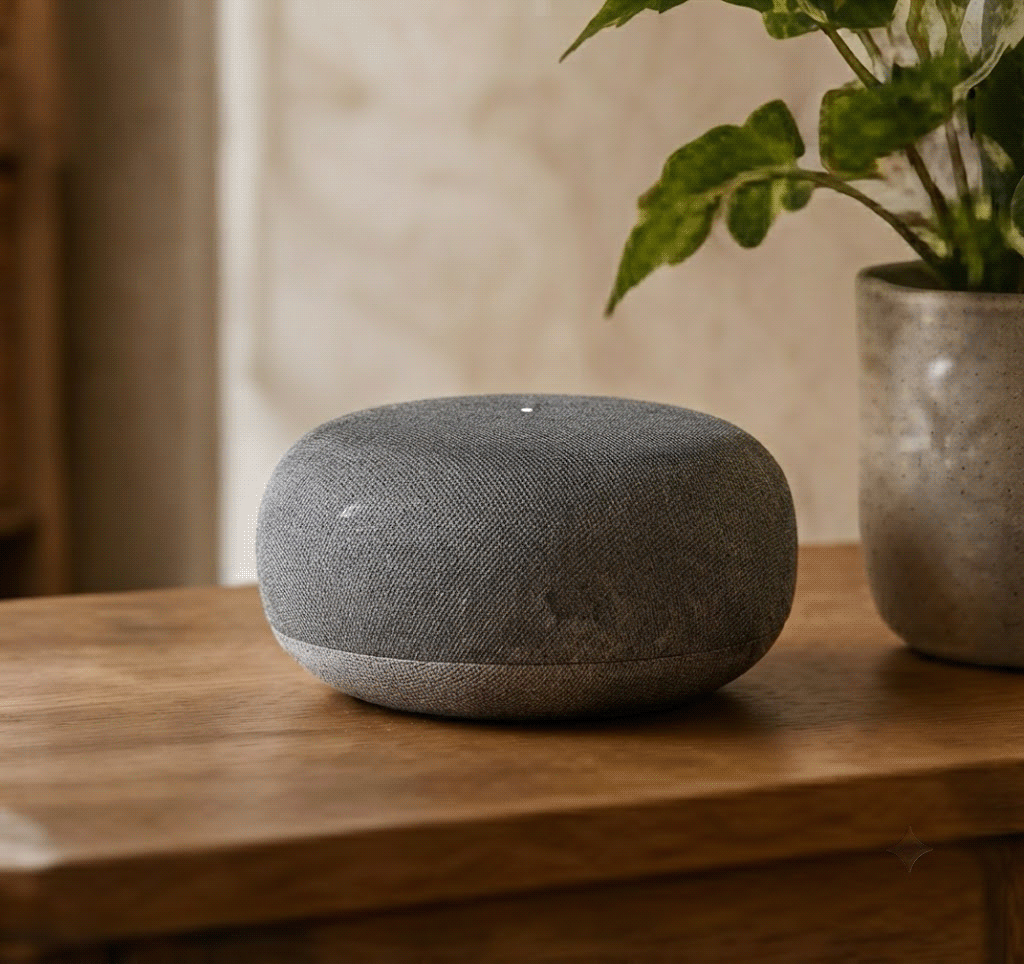
A smart speaker is a convenience, not a requirement
A smart speaker or display gives you a hands-free way to control compatible devices, set timers, or trigger routines — Google Home, Apple Home, and Alexa each offer some version of this. But it’s not a prerequisite for a smart home. If you rarely use voice commands, your phone or the wall switch works just as well.
Where a speaker earns its place is when it’s doing several jobs at once — lights, timers, music, part of a larger routine — rather than sitting there as a novelty.
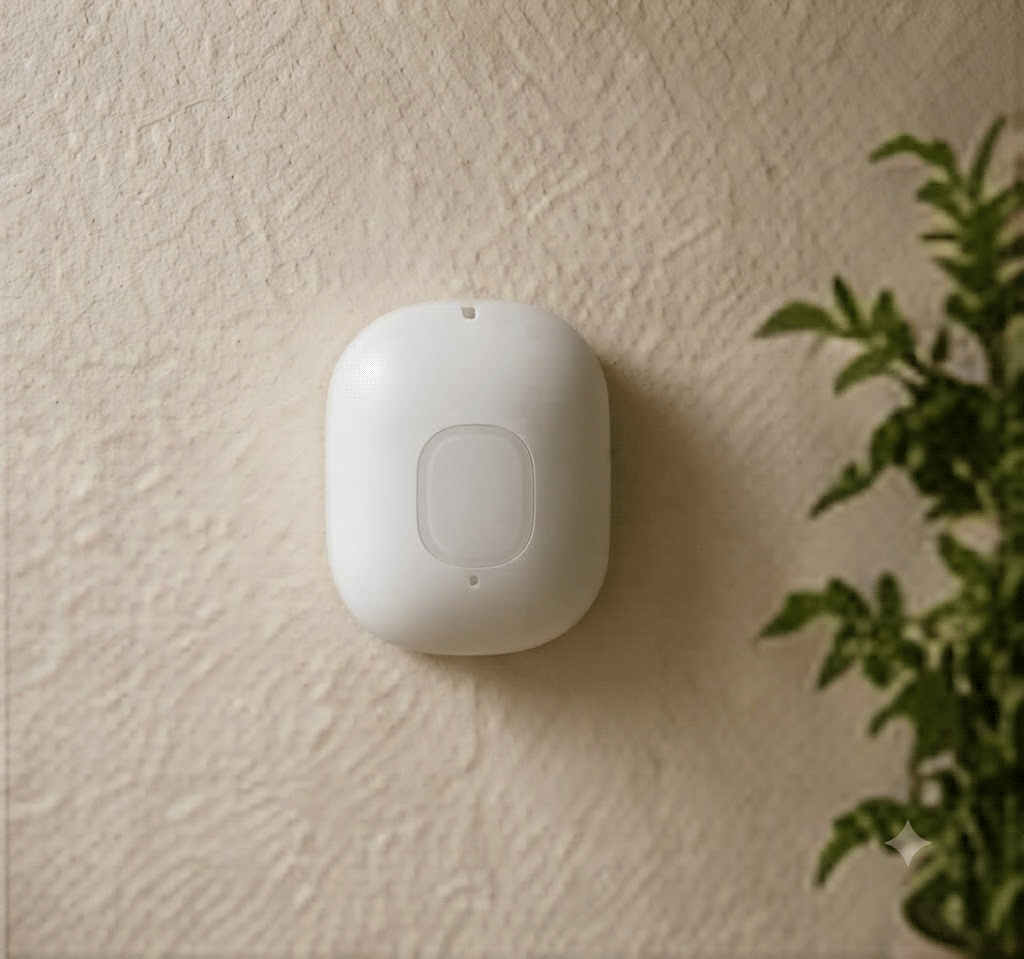
Sensors handle the small stuff you’d otherwise forget
A motion sensor detects movement and can trigger something else — a hallway light, for instance. A contact sensor tells you whether a door or window is open. Combined with a light or plug, these create small automations: the hallway light comes on when you walk in, a light shuts off after a room’s been empty for a while, an alert fires when a door opens that shouldn’t be.
These are minor conveniences individually, which is exactly the point — they remove tiny decisions you’d otherwise have to make yourself. If an automation ends up generating more notifications and settings to manage than the original manual task ever did, it’s not simplifying anything. Scale it back.
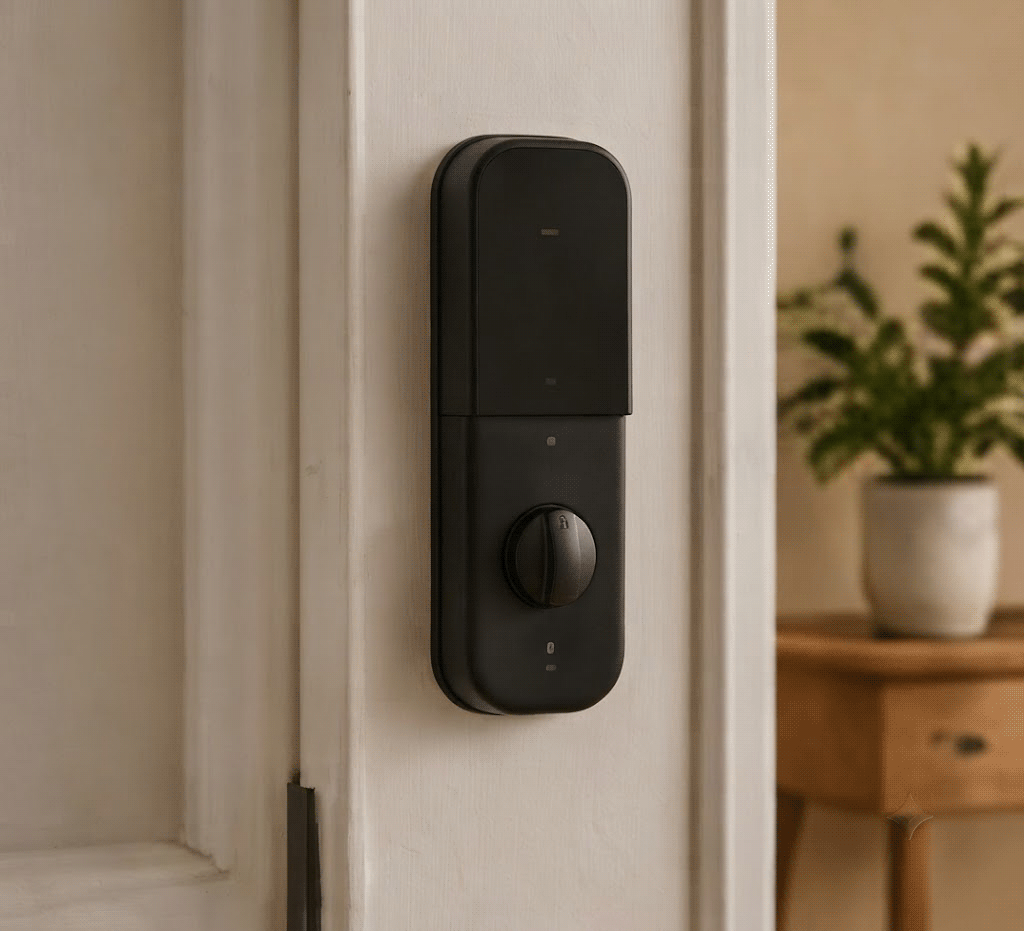
Security devices deserve more caution than a bulb does
A camera, doorbell, or lock isn’t the same category of purchase as a light. It sits on your network collecting information about your home and the people in it, so it’s worth a slower look before buying.
Check what the device records, how footage is stored, what account-security options exist, and whether the features you actually want are locked behind a subscription. The FTC’s general guidance on connected devices is consistent: use a strong, unique password rather than the default one, turn on two-factor authentication where it’s offered, and keep firmware updated. 📎
A smart lock carries an extra consideration a decorative gadget doesn’t: if it fails, you could be locked out of your own house. Before installing one, understand what happens if the power, Wi-Fi, or batteries die, and make sure there’s a physical backup that doesn’t depend on any of them working.
Automate what you already do, not what sounds impressive
The best automations attach to something predictable. Instead of asking what you could automate, ask what you already do every day without thinking about it.
A morning routine might turn on a bedroom light at a set time and nudge another light or device along with it. An evening one might turn off the lights you always forget, then lock the door. The exact steps depend on your platform and devices, but most major ecosystems support some version of a “scene” that bundles a few actions into one trigger.
Start with a single routine. If you stop using it within a few weeks, that’s useful information — change it or drop it. A smart home should get quieter as you add automation, not more complicated.
Pick a platform before you pick more devices
This is the one decision worth making early. Your ecosystem — Google Home, Apple Home, Alexa, or something else — determines which devices can talk to each other, which app you’re stuck opening, and whether you’ll need an extra hub down the line.
You don’t have to buy from a single manufacturer to make this work. Matter, the interoperability standard backed by the Connectivity Standards Alliance, is designed to let compatible devices work across ecosystems. But Matter support isn’t uniform — some devices connect over Wi-Fi, others use Thread, and Thread devices sometimes need a compatible border router that not every platform provides the same way. 📎
Before buying anything new, it’s worth checking a short list: does it work with your platform, does it do what you actually want, does it need a hub, are the features you care about locked behind a subscription, and how long does the manufacturer say it’ll keep getting software updates. That last one gets skipped constantly, but a device that stops receiving updates in two years is a worse deal than its price tag suggests. 📎
Your network is doing more work than you think
Smart devices connect in different ways — some over Wi-Fi, others via Thread or Bluetooth through a hub. You don’t need to understand every protocol, but one rule of thumb holds regardless: Your smart home is only as reliable as the connectivity and devices underneath it. If devices keep dropping off, automation stops feeling helpful and starts feeling like a chore. Before adding several devices, check that your Wi-Fi reaches the rooms where you plan to use them and that your router isn’t already struggling with frequent dropouts.
Basic security habits still apply
Convenience shouldn’t come at the cost of the basics. Use strong, unique passwords instead of the factory default, turn on two-factor authentication when it’s available, and keep device software current — the same advice the FTC gives for any connected device, not just smart-home ones. It’s also worth disconnecting devices and features you’ve stopped using rather than leaving them idle on your network. 📎
Privacy is a related but separate question. A light bulb reveals very little about your life. A camera or microphone reveals quite a bit. Weigh what a device can actually collect against the convenience it offers before deciding it’s worth having.
Where beginners usually go wrong
- Buying devices before choosing a platform. A cheap device that can’t talk to the rest of your setup isn’t actually cheap.
- Automating everything at once. Ten routines are harder to maintain than two you actually use.
- Ignoring subscriptions. A device can work without one and still reserve recordings, storage, or key features for a paid plan.
- Removing every physical control. Not everything needs an app — keep ordinary switches usable.
- Depending on convenience over reliability. Don’t make something important — like getting into your house — entirely dependent on a connected gadget with no backup.
- Skipping the update question. A device with poor long-term software support gets less useful, not more, the longer you own it.
A reasonable order to buy in
There’s no single correct list, but a sensible progression looks something like this.
Start here: one smart bulb or switch, one smart plug, one simple automation. This is enough to tell you whether connected control actually changes anything for you.
Add later, once you have a specific reason: a smart speaker or display, a motion or contact sensor, a compatible thermostat.
Save for last: cameras, doorbells, locks, robot vacuums, and larger multi-room systems. These aren’t bad ideas — they just carry more considerations around privacy, installation, and ongoing cost, so it’s worth having a specific need before adding them.
Build it slowly
You don’t need a plan for what your entire home should eventually become. Pick one inconvenience, buy one device to fix it, set it up properly, and actually live with it for a while before deciding whether it earned its place.
If it helped, add the next thing where there’s a real need. If it didn’t, that’s useful too — it tells you something about what you actually want from this. Some households end up with a full connected system. Others end up happy with one smart bulb and a plug. Both are reasonable outcomes.
The upgrade worth making is usually a smaller one
The best smart-home setups tend to disappear into the background. You shouldn’t have to think about an automation every time it runs, or open three apps to turn off one light, or own a device just because it’s marketed as smart.
Notice the actual friction in your own home first. Then find the simplest device that removes it — a bulb, a plug, a sensor, or sometimes nothing at all. A thoughtful smart home isn’t built by adding technology everywhere. It’s built by being selective about where it’s actually worth having.