
SMART LIVING
Smart Home Privacy: What Beginners Should Know Before Connecting Their Home
- September 27, 2026
- 8 min read
- By Kiana Meraki
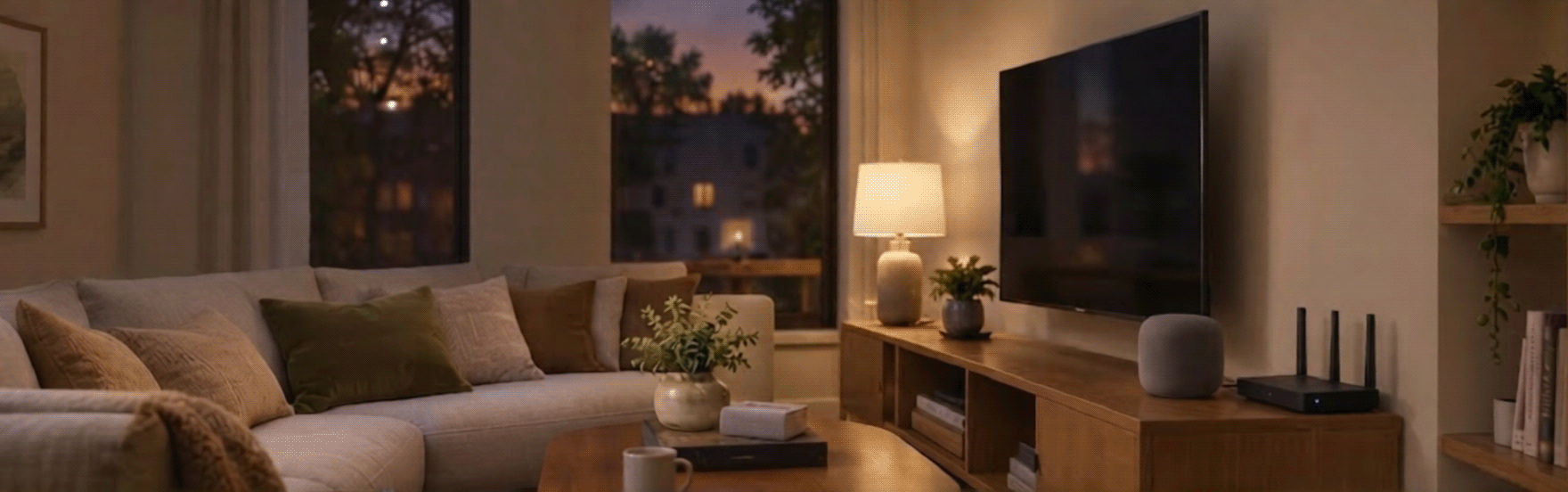
“Is this device safe?” is the wrong question to start with. It’s too big, and the answer is different for every device in your home. Better to ask a few smaller ones: What can it sense? What does it send elsewhere? What does the account remember? Who can access it? What happens if you stop using it?
A connected bulb mostly creates device and usage data. A thermostat can reveal when the house is occupied. A smart speaker involves a microphone and voice recordings. An indoor camera captures video and audio from a private room. These are not the same kind of privacy question, even though all four get filed under “smart home.”
A 2025 NIST survey of 401 U.S. smart-home users found that perceptions of privacy and security differed across lighting, security devices, sensors, thermostats and voice assistants, with voice assistants seen as the most problematic category. That doesn’t mean every voice assistant is unsafe. It’s a reminder that generic smart-home privacy advice tends to miss real differences between device types. 📎
A practical way to think about it: collect less → share less → secure what you keep connected.
What “Smart Home Privacy” Actually Covers
Privacy here isn’t only about whether a device can be hacked. It’s also about what information is collected, why, where it goes, how long it sticks around, and who can see it.
A device might handle several kinds of data at once: identifiers and connection details it needs just to function, account information like your email and household members, usage data such as schedules or door-lock events, and — for cameras and speakers — actual audio or video. Then there’s cloud data: whatever the manufacturer’s own service stores or processes on their servers.
That last one is easy to miss. The device being in your home doesn’t mean the data stays there. Worth tracing the whole chain before buying: device → app or account → network → cloud service → wherever that data ends up stored or shared. FTC guidance encourages businesses to limit data collection and retention to what they actually need, rather than keeping information indefinitely.
Not Every Device Raises the Same Questions
A more useful beginner rule than “how smart is it” is “what can it actually observe.”
| Device | What to think about |
|---|---|
| Smart bulb | Device, account and usage data |
| Smart thermostat | Temperature, schedules, occupancy patterns |
| Smart speaker | Voice commands, recordings, linked accounts |
| Smart TV | Viewing activity, tracking settings, installed apps |
| Smart lock | Access permissions, entry activity |
| Doorbell camera | Video and audio of residents and visitors |
| Indoor camera | Video, audio and activity inside private rooms |
Treat this as a list of questions to ask, not a ranking of danger. A bulb doesn’t need the same scrutiny as an indoor camera, and a lock raises different concerns from a TV, because an access log can reveal who came and went. The NIST research found differences in how users perceived privacy and security across these categories, which is exactly why one blanket privacy rule doesn’t fit all of them.
The Account Matters as Much as the Device
A well-configured device can still be a weak point if the account behind it isn’t. Start with a strong, unique password for the manufacturer’s account, and turn on two-factor or multi-factor authentication if it’s offered — it adds a second check that makes a compromised password much less useful to whoever has it.
Then look at who else has access. Household sharing is genuinely useful, but know what each person can actually do: a camera might allow shared viewing, a lock might allow unlocking, and a voice assistant tied to email or shopping can expose more than the device itself suggests. Remove people who no longer need access, old devices you’ve forgotten about, and integrations you don’t use anymore. For voice assistants specifically, check the voice history, purchasing and guest-access settings — the FTC notes that these assistants can send recordings to the manufacturer, and what controls are available for that varies by service. 📎
Don’t Forget the Router
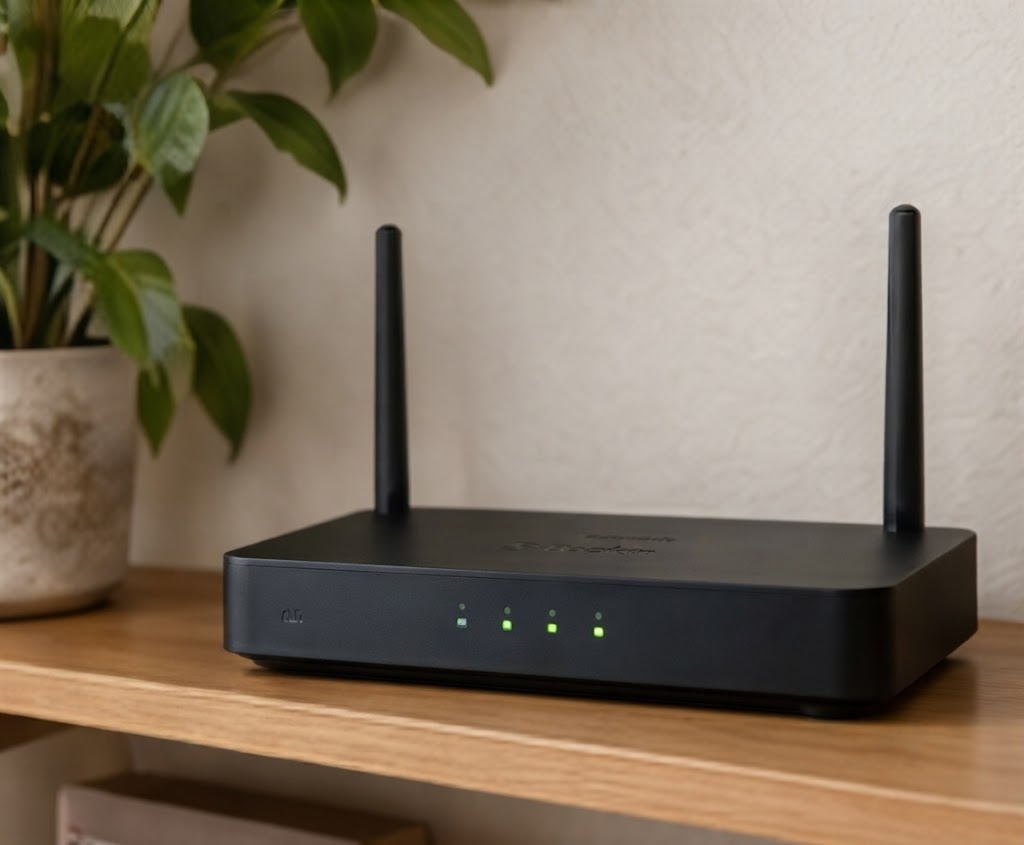
The router is the least interesting part of a smart home and also one of its foundations, because it often sits between your connected devices and the internet. The FTC’s standard advice applies here: change the default administrative credentials, use proper wireless encryption, keep the router’s firmware updated, and consider a separate guest network for smart devices.
For a beginner, that’s really: change the default router password, use a strong Wi-Fi security setting, install updates when they’re available, and turn off remote management if you don’t need it. If you own several cameras, the FTC also suggests putting them on a network separate from your computers and printers — a useful extra step, not something every beginner needs to do on day one.
What to Check Before You Buy
You don’t need to read a full privacy policy end to end. A few practical questions cover most of it:
What does it actually collect? Audio, video, location, device identifiers, usage patterns, linked-account data.
Why? Some data is needed for the core function; some is used for personalisation, advertising or analytics. Worth knowing which is which.
Where is it processed and stored? Some devices lean heavily on the cloud; others handle some functions locally.
How long is it kept, and can you delete it? Check whether recordings or activity history clear automatically, and whether you can remove stored data yourself.
Does it need an account or a cloud service to work? If so, the manufacturer’s service is now part of the device’s long-term privacy picture, not just its first setup.
What happens if you stop paying a subscription? Some core functions can be tied to it.
How long will it get security updates? The FTC has noted that manufacturers don’t always make support periods easy to find. Look for a stated support window before buying, and think about what you’ll do once it ends.
Cameras and Microphones Need Extra Care
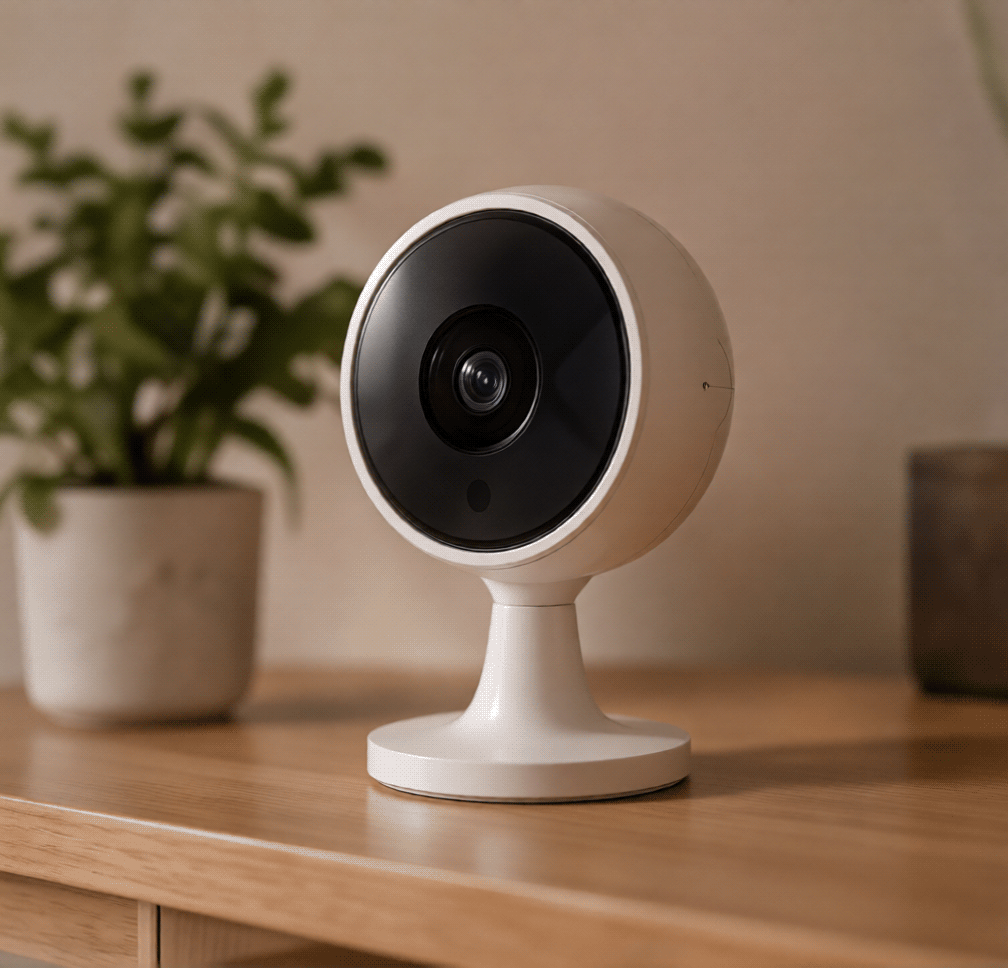
Cameras and microphones change the calculation, because they can observe people rather than just report a device’s status. For an indoor camera, ask where it points, whether the audio can be turned off, where footage is stored, who can view it, and how sharing works. Avoid placing one somewhere more intrusive than the problem calls for.
Outdoor cameras and doorbells will inevitably capture visitors and passers-by, so their field of view and recording settings are worth setting deliberately rather than leaving on the default. For any device with a microphone, check the voice history, purchasing and communications settings, and turn off anything you don’t actually use. 📎
Keep Everything Updated
Security and privacy overlap here. A device that’s stopped receiving updates gets harder to protect the longer it’s in your home. That applies to the firmware running on the device itself and to the companion app, and the FTC recommends keeping both current. 📎
For devices you already own: install updates when they arrive, and disconnect anything that’s no longer supported. CISA gives similar advice, recommending that unsupported devices be replaced rather than left connected.
Turn Off What You Don’t Use
If you never use remote access on a device, turn it off. If a smart TV has apps you’ve never opened, remove them. If an integration links one service to another account you no longer use, disconnect it. The same goes for old household access — former housemates, guest accounts, and shared devices nobody checks anymore don’t need to stay live.
This is what “collect less, share less, secure what you keep” looks like in practice. You don’t need to disable every smart feature. You just avoid handing a device more access or data than its actual job requires.
A Simple Checklist
Before buying: check what it collects and why, whether it needs an account or cloud storage, its retention and deletion options, its stated support period, and any subscription requirements.
During setup: set a strong unique password, turn on MFA if available, install updates, review camera/microphone/location permissions, turn off features you won’t use, and check who else has access.
Every few months: review connected accounts and users, remove old devices and integrations, check for updates, revisit recording and privacy settings, and ask whether each device is still earning its place.
Start With the Inconvenience, Not the Device
The most useful privacy decision usually happens before you buy anything. If you want a light to come on automatically at night, a motion sensor and a bulb can solve that without a camera anywhere near it. If you want to know a package has arrived, a doorbell camera might make sense, but it comes with far more privacy questions than a smart plug does. If you want remote temperature control, a thermostat is the obvious answer, but it’s still worth checking what it collects and how long it’ll be supported first.
Starting from the actual problem, rather than the device category, keeps the question focused: what does solving this genuinely require the house to know?
A Connected Home You Actually Understand
A smart home should solve real problems without quietly learning more about your life than it needs to. Before buying, ask what a device needs to know. During setup, secure the account and the network. After that, check in occasionally on what’s still connected, and turn off what you’re not using.
The goal isn’t perfect privacy — there’s no such thing. It’s a home whose convenience you understand, and whose data habits you’ve actually chosen rather than defaulted into.